

Tests
Chat with the receptionist as if you were a patient, with ready-made scenarios, no WhatsApp and no cost, before you let her answer for real.
The Test Center lets you chat with your receptionist as if you were a patient, with no WhatsApp and no cost. It’s how you check what she says before you turn on your real number.
To open it, click WhatsApp in the menu, then Tests.
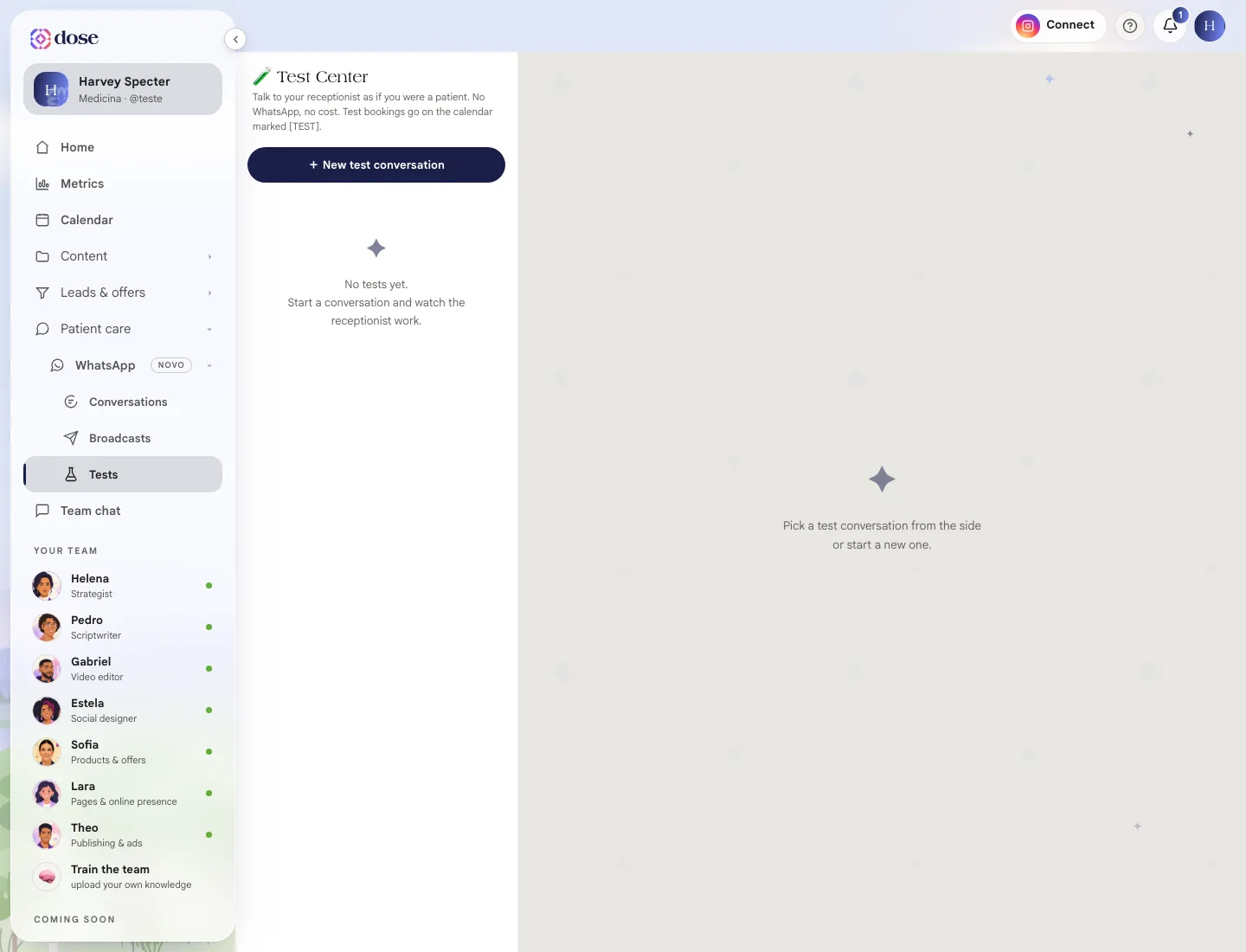
Start a test
Section titled “Start a test”Click + New test conversation and write the way a patient would. Or start with a ready-made scenario:
| Scenario | What you check |
|---|---|
| 📅 I want to book | Whether she offers a time and takes down the request |
| 💰 Price question | Whether she uses the Services and prices you wrote |
| 🏥 Insurance | Whether she answers about insurance |
| 💊 Clinical question | She should refuse and invite them in for an appointment |
| 🚨 Emergency | She should tell them to call 192 (Brazil’s emergency number) |
She answers with what’s in How she answers, on the receptionist screen. If the answer wasn’t good, adjust it there and test again.
How tests work
Section titled “How tests work”- Nothing reaches a real patient.
- A booking made in a test goes on the calendar marked [TEST].
- When she hands the conversation to the team (as she would for a request for a human), use 🧹 Start over to keep testing.
- The limit is 100 test conversations. Once you hit it, restart one of them.