

Leads
See who left their contact on your pages, which page and campaign they came from, and message each person on WhatsApp or download the list as a spreadsheet.
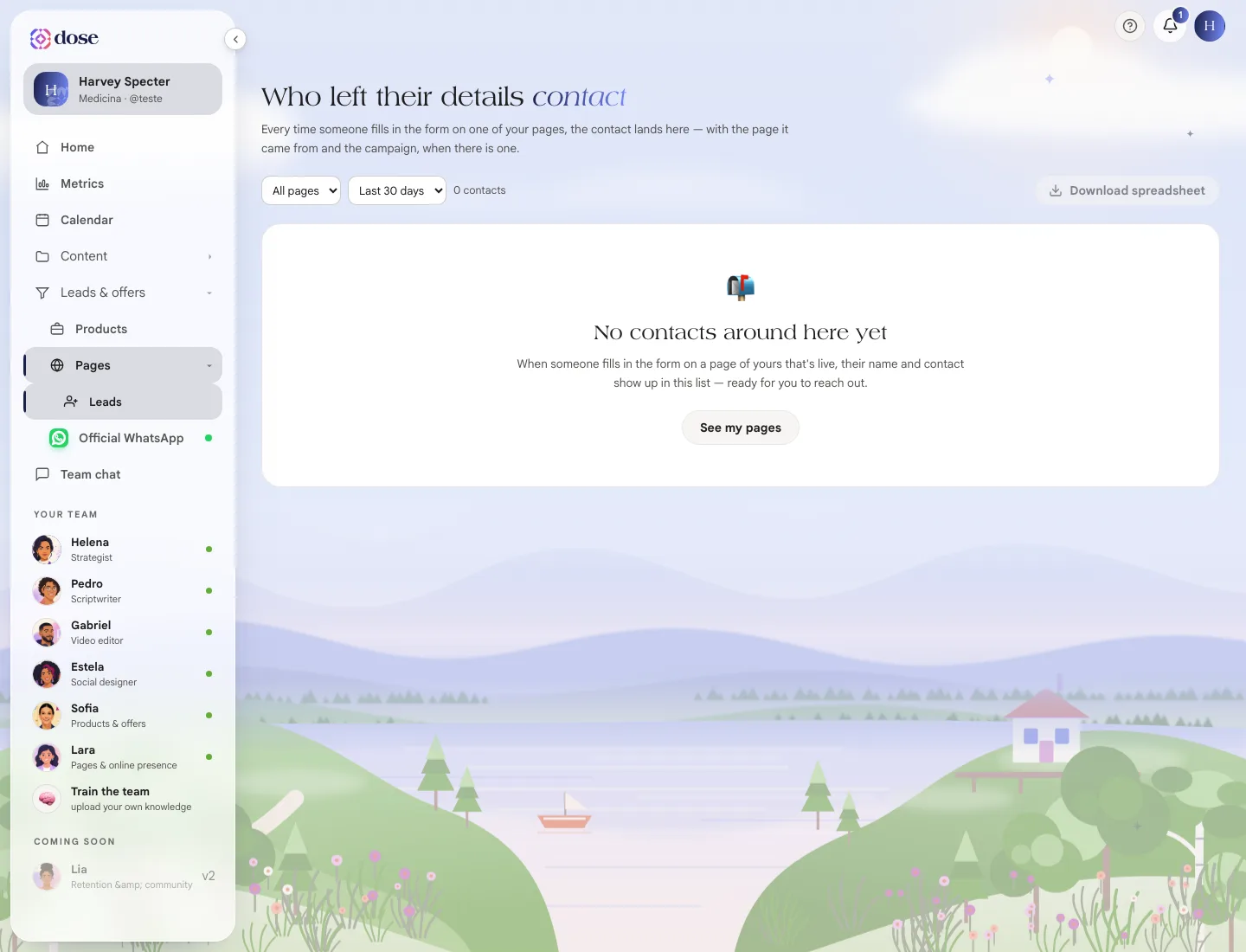
Every time someone fills out the form on one of your pages, the contact lands in Leads, along with the page they came from and the campaign, when there is one.
To open it, click Pages, then Leads (or See leads, at the top of the Pages screen).
Filter
Section titled “Filter”- Filter by page: all pages or just one;
- Period: last 7, 30 or 90 days, or All time.
The counter next to it shows how many contacts the filter returned.
What each row shows
Section titled “What each row shows”| Column | What it is |
|---|---|
| Name | Who left the contact |
| Came from | The page with the form (or “page deleted”, if it no longer exists) |
| Campaign | The campaign the person came from, when there is one |
| When | Date and time |
| Status | A field for you, to mark where things stand with that contact |
| Answers | The form or quiz answers. Click See answers |
Message on WhatsApp
Section titled “Message on WhatsApp”On each row, Message on WhatsApp adds the person to your WhatsApp contact list and opens the chat in Conversations. If the contact already exists, the button is Open conversation.
Download the spreadsheet
Section titled “Download the spreadsheet”Download spreadsheet creates a CSV file with the contacts in the current filter, ready to open in Excel or Google Sheets.