

Conversations
Follow your WhatsApp conversations as a list or a board, take over when a patient asks for a person, and hand back to the AI when you're done.
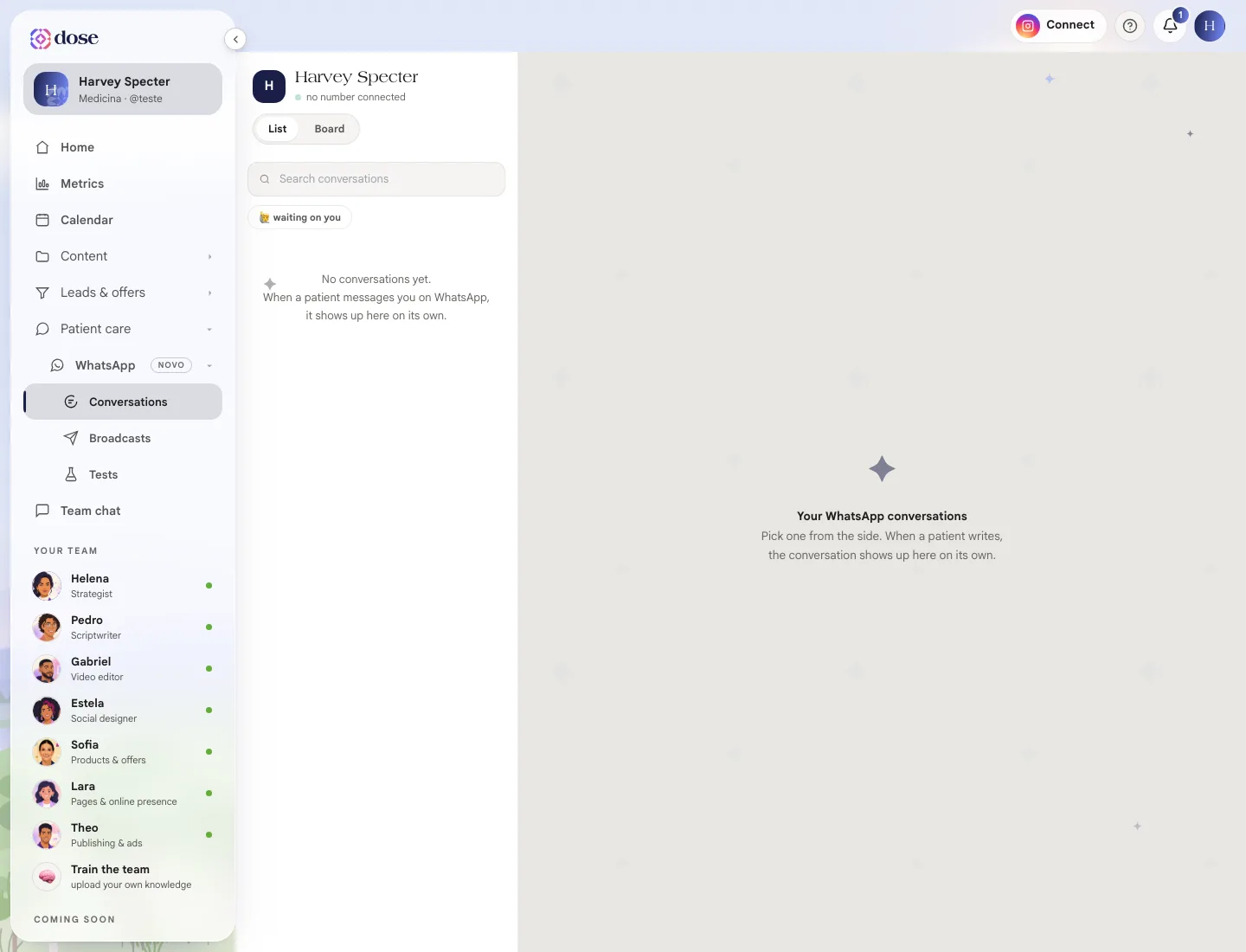
Conversations is the hub for your WhatsApp conversations: everything patients write and everything the receptionist replies. Once your number is connected, every new conversation shows up here on its own.
To open it, click WhatsApp in the menu, then Conversations, or 🗨️ Conversation Center on the receptionist screen.
List or board
Section titled “List or board”- List: conversations in order, with the Search conversations search. The 🙋 waiting on you marker shows who’s waiting for a person.
- Board: conversations in columns, like a kanban.
The board
Section titled “The board”The default columns are New contact, Answering questions, Wants to book, Appointment booked, Needs you and Closed. Conversations move across the columns on their own, based on how the conversation goes and on each column’s trigger words.
In ⚙️ Columns you edit the board: rename columns, change the emoji, reorder them, create new ones and set trigger words. Restore defaults brings back the original board.
Who’s handling it
Section titled “Who’s handling it”Each conversation shows who has it: AI is handling it, Waiting for you to take over or You’re handling this.
- Take over pauses the AI for that contact and hands the conversation to you. Typing in the Write to the patient field also takes it over;
- Hand back to AI returns the conversation to the receptionist.
When a patient asks for a person, the conversation shows 🤝 The patient asked for a human and you get an alert on your personal WhatsApp (if you added one on the receptionist screen).
The 24-hour window
Section titled “The 24-hour window”WhatsApp only lets you send free text up to 24 hours after the patient’s last message. After that, the text field locks with a 🔒 notice and only an approved message cleared by Meta gets through.
To pick up an old conversation, send an approved message from the Broadcast Center. When the person replies, the field unlocks on its own.
People who opted out
Section titled “People who opted out”Anyone who asked to stop receiving messages shows the 🔕 opted out badge and is left out of broadcasts.
Download conversation saves a conversation’s history to a file.