

Plans, credits and subscription
How Scale credits work, what each creation costs, how to subscribe to a plan, buy one-off credits and manage or cancel your subscription.
Your plan keeps the team working every month: it renews your credits and unlocks features — publishing to Instagram, the WhatsApp receptionist, ads. Credits pay for what the AI creates for you.
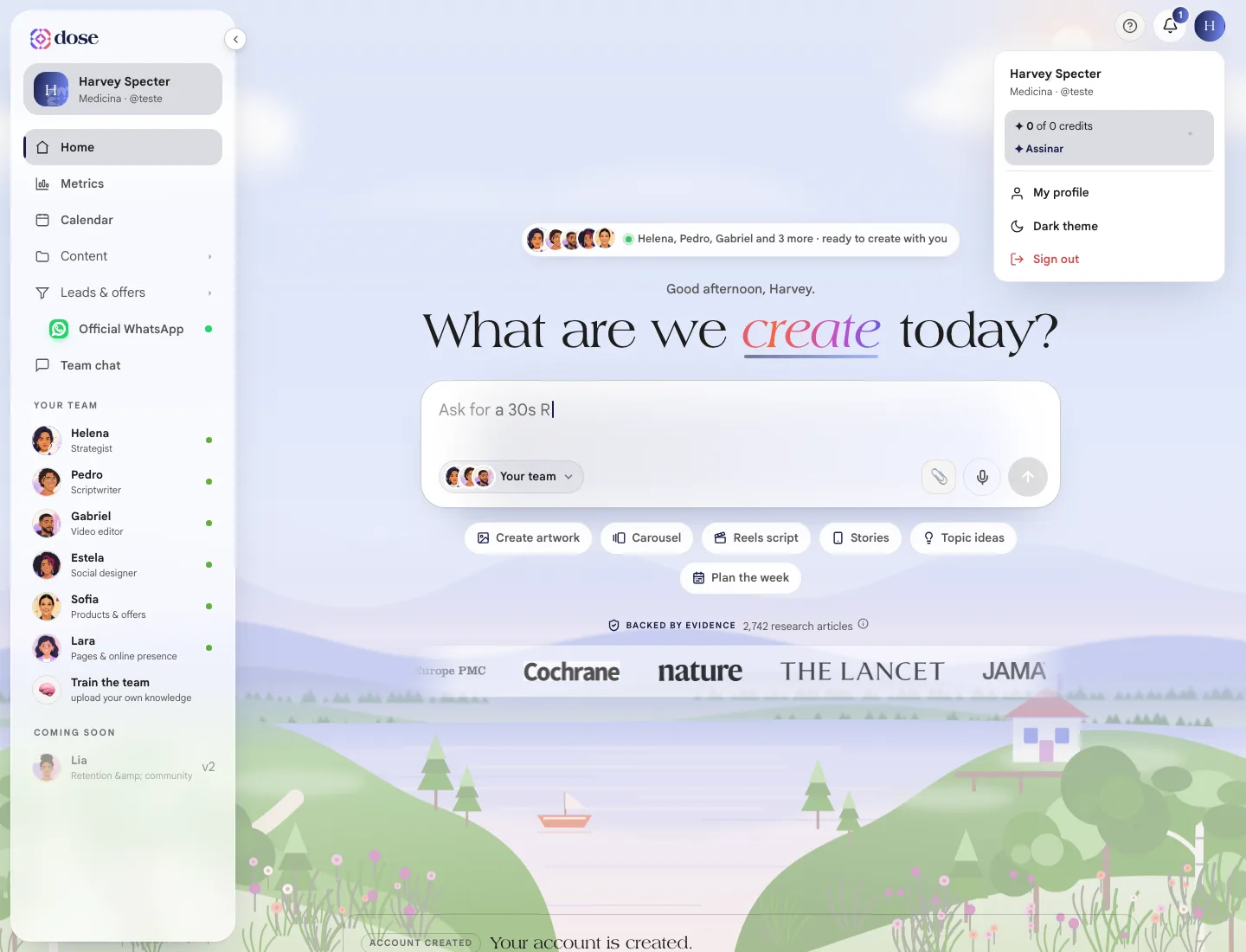
Where to see your balance
Section titled “Where to see your balance”- In the menu under the circle with your photo: “✦ 80 of 100 credits”, with the ✦ Request more button (or ✦ Subscribe, without a plan);
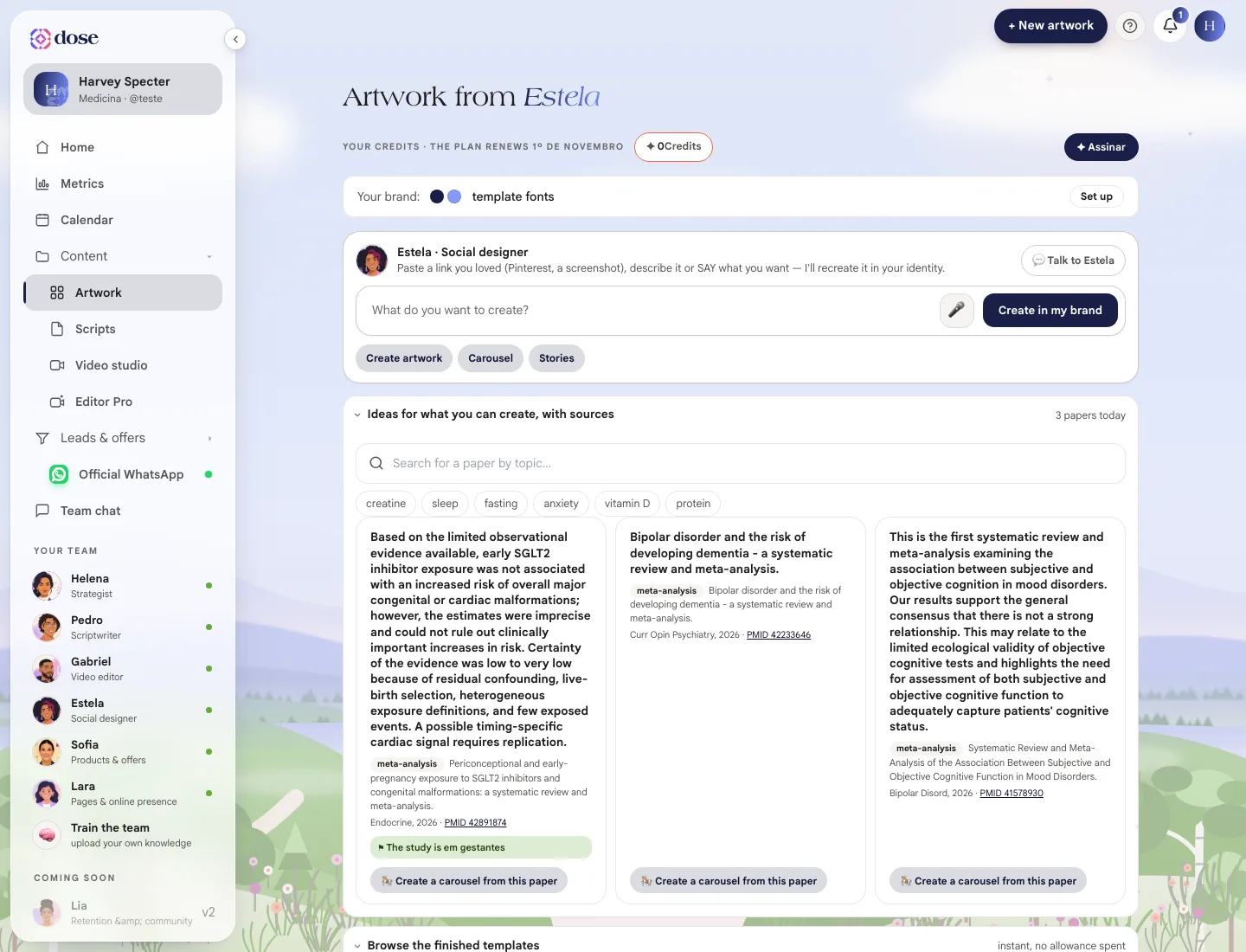
- in the Your credits bar, on Home, in Artwork, in the Studio and in Editor Pro, with the date your plan renews.
Plan vs. one-off credits
Section titled “Plan vs. one-off credits”| Type of credit | How it works |
|---|---|
| Plan credits | Renew every month and don’t roll over from one month to the next |
| Purchased credits | Add to your balance and don’t expire — not at the turn of the month, not if you cancel |
What each thing costs
Section titled “What each thing costs”Each creation has a weight in credits. Today’s values:
| What the team creates | Credits |
|---|---|
| Script | 2 |
| Carousel | 2 per slide |
| Artwork or story | 4 |
| Ebook | 2 per page |
| Video edit (Studio or Editor Pro) | 10 |
| Page | 30 |
| WhatsApp broadcast — utility | 3 per contact |
| WhatsApp broadcast — marketing | 6 per contact |
These don’t use credits: building a carousel from the ready-made templates and swapping text, photo and color by hand; asking for a new photo for a slide; planning your month from your handle; publishing and scheduling on Instagram; chatting with the receptionist in the Test Center.
When your balance doesn’t cover a request, the team tells you what’s missing and you choose between waiting for the renewal or buying credits.
Subscribe to a plan
Section titled “Subscribe to a plan”Click ✦ Subscribe (in the menu under your photo or in the credits bar). The Your plan panel opens, with:
- your current plan and your balance right now;
- the available plans, with the monthly price shown on screen and what each one lets you do with the credits (how many carousels, videos, artworks and ebooks);
- the annual plan, when available, with the Most popular badge.
The plan is paid by card, as a subscription. The monthly plan is charged every month, with no contract; the annual plan can be paid in installments. As soon as the payment is confirmed, the plan and the credits land on their own.
Buy one-off credits
Section titled “Buy one-off credits”Need more pieces mid-month? In the plan panel, click Add credits (or Buy one-off credits). Pick a pack and click Buy.
Packs are a one-time payment, by card or PIX (Brazil) — with PIX, the credits land the moment the payment is confirmed.
Manage your subscription
Section titled “Manage your subscription”At the end of your profile, the Your subscription section → Manage subscription shows your plan, the amount, how long you’ve been subscribed, the next charge and the payment method.
To change your card, talk to the team in the chat — you can’t do it from the screen yet.
Cancel
Section titled “Cancel”In Manage subscription, click Cancel subscription. Before you confirm, Scale shows a few options — getting a reminder before the next charge, seeing the balance you still have, telling us why and, in some cases, a discount offer. To go ahead, use Continue canceling.
- Your access continues until the end of the period you’ve already paid for. There’s no refund and no fee;
- the credits you bought separately stay yours;
- the annual plan doesn’t renew on its own — there’s nothing to cancel.
Changed your mind?
Section titled “Changed your mind?”Until the date your access ends, your profile shows Reactivate your plan and keep your credits →. One click and the renewal is back on. Once the subscription ends, you need to subscribe again.